

Boost Instagram Shop Sales: Complete Conversion Guide
Learn how to boost instagram shop sales with proven conversion steps. Turn your followers into paying customers using content, visual, and ad tactics.
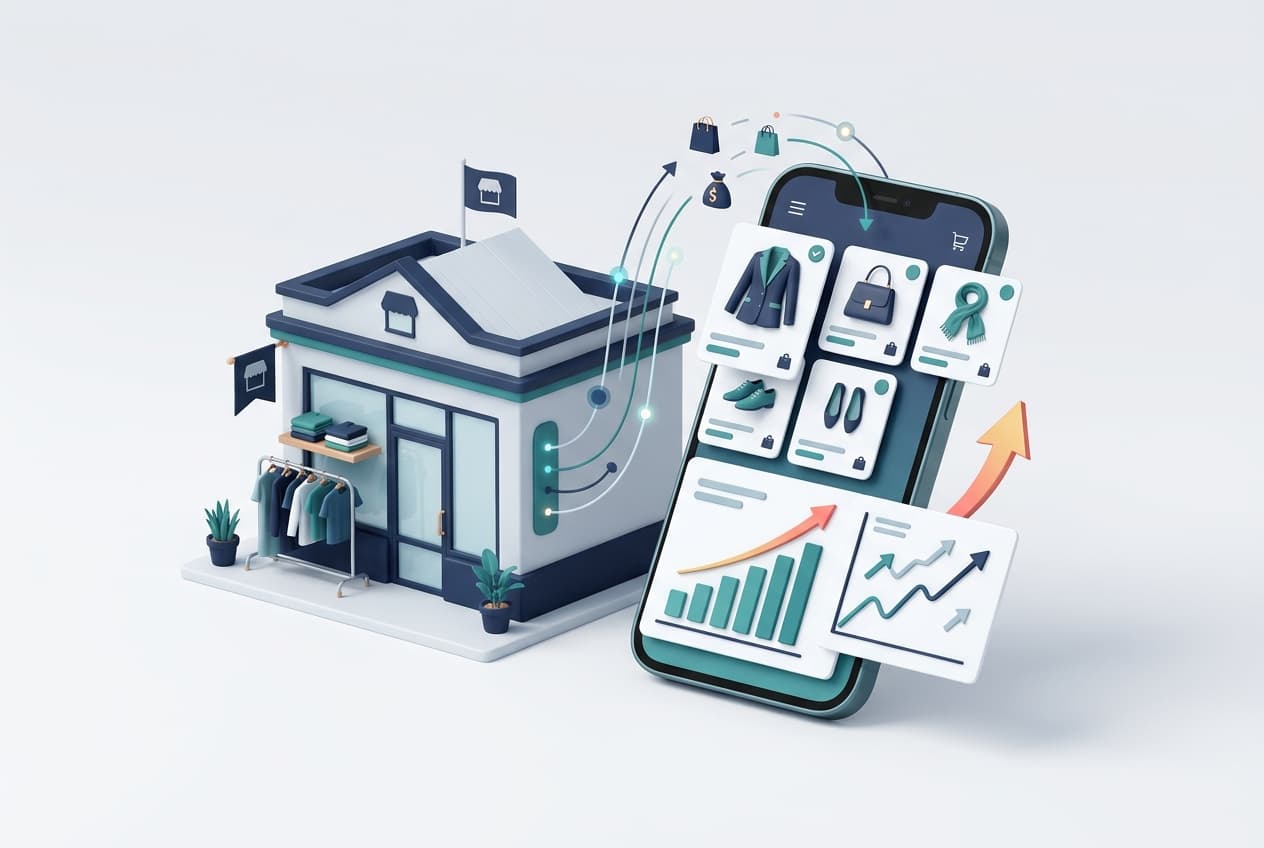
You can boost instagram shop sales by optimizing your profile, publishing engaging product videos, maintaining a consistent posting schedule, and delivering fast customer support. Showcasing your catalog with clear visuals, building trust via Stories, and replying to messages instantly will quickly drive your revenue up.
The goal to boost instagram shop sales is top of mind for any business showcasing products on the platform. Even if you have a large follower count, failing to turn that interest into direct revenue means you need to refine everything from your profile setup to your content strategy.
In this guide, you will find concrete steps to move potential customers from hesitation straight to checkout. We examine proven methods that directly impact your revenue, including profile optimization, visual quality, message response tactics, and automated publishing systems.
How do you optimize your Instagram shop profile to boost instagram shop sales?
To set up your Instagram shop profile for high conversions, treat your bio like a landing page and group your highlights into clear categories. Within the first three seconds of landing on your profile, a visitor should instantly understand what you sell, who it is for, and how to place an order.
State a clear value proposition in your bio. For instance, instead of writing just women's clothing, use a clear phrase like women's everyday style with same-day shipping. Also, double-check that your website or ordering link works without any issues.
Follow this step-by-step checklist to optimize your profile: Match your username with your brand name, use a sharp logo for your profile picture, write a single problem-solving sentence in your bio, and place your order link right at the bottom. Organize your story highlights using clean, branded cover icons.
Highlights act as your storefront windows. Pinning dedicated highlights for Customer Reviews, FAQs, New Arrivals, and Shipping Info gives first-time visitors immediate confidence in your brand.
The most common mistake here is filling the bio with vague quotes or making the ordering process confusing. Your audience should never have to search around to find the payment link or contact method.
How can product videos increase your conversion rates?
To lift your conversion rates with product videos, create Reels that highlight not just the item's appearance, but its daily benefits and real-life usage. Static photos blend into the feed easily, whereas dynamic videos showing close-up details instantly spark buying desire.
The opening seconds of your video are crucial. Hook the viewer right away by highlighting the product's texture, dimensions, or primary feature. Check out our guide on how to write a Reels hook for detailed techniques on grabbing attention instantly.
For example, if you sell leather bags, avoid simply photographing the bag standing on a table. Instead, film a step-by-step video showing a laptop, wallet, and keys easily fitting inside. This practical view removes any doubts about size in the customer's mind.
Try these video formats to directly lift your store sales:
- Before and After: Quick comparison videos showing the exact problem your product solves.
- Detail and Texture Close-ups: Shots highlighting the fabric quality, hardware, or craftsmanship up close.
- Unboxing and Packing: Clips showcasing the care taken in packaging to give a glimpse of the unboxing experience.
A major pitfall during this stage is trying too hard for high-end studio polish, which destroys authentic appeal. Customers trust organic, natural-light videos that show real products without fancy filters.
How to convert direct message inquiries into paid orders
To turn incoming Instagram DMs into sales, reply quickly and establish a welcoming conversation that guides the user forward. Taking hours to answer a question about pricing or sizing usually drives that shopper right to a competitor.
As a actionable rule, avoid sending back just a price tag. If someone asks for the price, answer with a helpful follow-up question. Instead of saying $50, reply with: Our price is $50, which size do you need? We also have matching accessories if you'd like suggestions.
Instead of dropping a price and ending the chat, recommend complementary items or alternative styles to increase your average order value. A friendly, solution-oriented tone builds lasting trust.
To avoid missing potential orders during busy sales periods, leverage smart greeting tools. Using the Instagram DM greeting assistant on Controom, you can reply instantly to incoming messages and guide shoppers seamlessly toward checkout.
The worst mistake in DM management is giving cold, one-word answers or abruptly forcing the user to an external link. If a customer prefers chatting in the inbox, make it effortless for them to purchase right there.
How a content calendar and posting schedule drive growth
Maintaining a content calendar and consistent posting schedule keeps your brand visible in the algorithm and top of mind for prospective buyers. An irregular posting schedule makes a store appear inactive or untrustworthy to passing visitors.
To build a simple content calendar, decide on your weekly posting days. Establish a reliable routine—like product highlights on Monday, customer reviews on Wednesday, tips on Friday, and promotional offers on Sunday—so your audience knows when to expect updates.
When planning your weekly and monthly social schedule, avoid posting purely promotional content, as it fatigues your audience. Mix in educational posts, user reviews, and entertaining formats to keep engagement strong. Explore our content mix rules guide for the ideal content ratio.
Planning ahead ensures you never miss key shopping holidays or seasonal sales. Publishing strategic posts right before major shopping events boosts sales momentum dramatically. Learn more about planning around key dates in our special days content calendar article.
A common mistake is posting three times a day for a week and then staying completely silent for two weeks. Consistency always beats sheer volume when you want to boost instagram shop sales.
How to spend your ad budget effectively to increase store sales
To get the most out of your ad spend, refine your target audience definitions and run test campaigns with high-converting creative assets. Showing ads to the wrong audience drains your budget without generating revenue.
In practice, do not tie your entire budget to a single audience segment. Set up a low-budget test with two distinct target groups: one based on interest keywords, and another using a lookalike audience of people who interacted with your page. Compare their performance for 48 hours, then shift the budget to the winner.
Test multiple visual formats and headlines rather than relying on one asset. High-performing ad graphics made from clear product shots lift click-through rates significantly. Follow our steps on how to protect your ad budget to maximize return on ad spend.
Remarketing campaigns that reach past profile visitors who haven't bought yet remain one of the highest-converting tactics for growing store revenue.
A frequent mistake is pausing or editing an ad campaign just hours after launching. Give the algorithm's learning phase enough time and base your decisions on at least 24 to 48 hours of data.
How to automate your Instagram shop operations using Controom
Automating your workflow with Controom reduces the time spent on content generation and planning, giving you more freedom to scale operations and close sales. The AI engine operates like an extra marketing team working continuously for your business.
Getting started is straightforward: Upload your product photos, describe your target audience, and set your brand tone. In seconds, the AI generates high-converting ad graphics, caption copy, and Reels concepts tailored to your brand.
By simply uploading product photos, you can generate high-converting ad images and video scripts. All generated assets are mapped out on your marketing calendar for 1 to 3 months ahead. Nothing goes live without your final approval.
Automating your Instagram and Facebook posts guarantees a steady content stream. Furthermore, built-in ads budget planning and competitor tracking tools give you an edge over rivals, while the DM greeting assistant turns buyer questions into completed orders.
The main mistake in automation is abandoning quality control entirely. Controom includes a built-in review mechanism, allowing your brand to maintain total control and ensure high-quality content goes out error-free.
What are your next steps to drive higher Instagram sales?
Increasing sales on Instagram isn't an overnight task; it requires ongoing refinements to your sales engine. Start by tweaking your bio and story highlights to align with clear sales goals.
Here is your actionable game plan: Update your profile setup, map out your content calendar for the next 14 days, standardize your DM responses, and test target audiences with small ad budgets.
To keep your publishing pipeline full and execute professional ad campaigns, explore our AI content creation features and visit our pricing page to find the right plan for your business.
The biggest trap is trying to complete all these tasks at once and quitting halfway through. Focus on improving one area each week to secure long-term, scalable growth.
Frequently asked questions
How many followers do I need to start selling on my Instagram shop?
You do not need a massive following to make sales. Reaching 1,000 highly targeted, engaged followers can generate far more sales than 50,000 inactive followers.
Does an Instagram DM assistant really increase sales?
Yes, replying instantly while a potential customer's purchase intent is highest removes hesitation and noticeably improves your conversion rate.
Do product videos lower advertising costs?
Yes, engaging videos focused on user experience yield higher click-through rates, which lowers your overall campaign costs across advertising platforms.
Let Controom do this for you.
It learns your brand, builds your calendar, creates the content and reminds you to post it when the time comes.